Image Mode
Image Mode lets you add images to the canvas. Press I to switch to Image Mode.
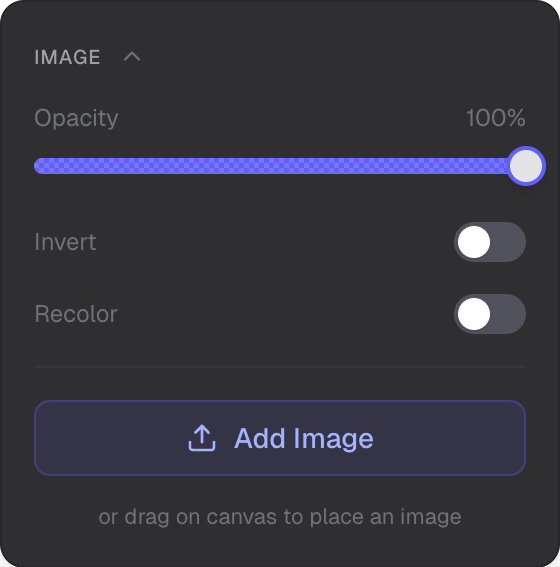
Upload, styling, and image effects
Supported Formats
- PNG
- JPG
- WebP
Upload Methods
- Drag-to-create — drag an image file onto the canvas
- Upload button — use the upload button in the panel
Image Styling
- Background color
- Border — solid or dashed
- Corner radius
- Opacity
Image Effects
- Recolor — apply a tint to the image
- Invert — invert colors
Styling Presets
- Filled — with background
- Bordered — border frame
- Ghost — no background or border
Transform
- Resize — with locked aspect ratio
- Rotation — rotate images on the canvas
Storage
Images are stored as attachments on the server (S3).
Related
- Overview Mode — navigate and manage the scene
- Selection Mode — select and edit images
- Text Mode — add text with attachment images
- Symbols Mode — add vector icons